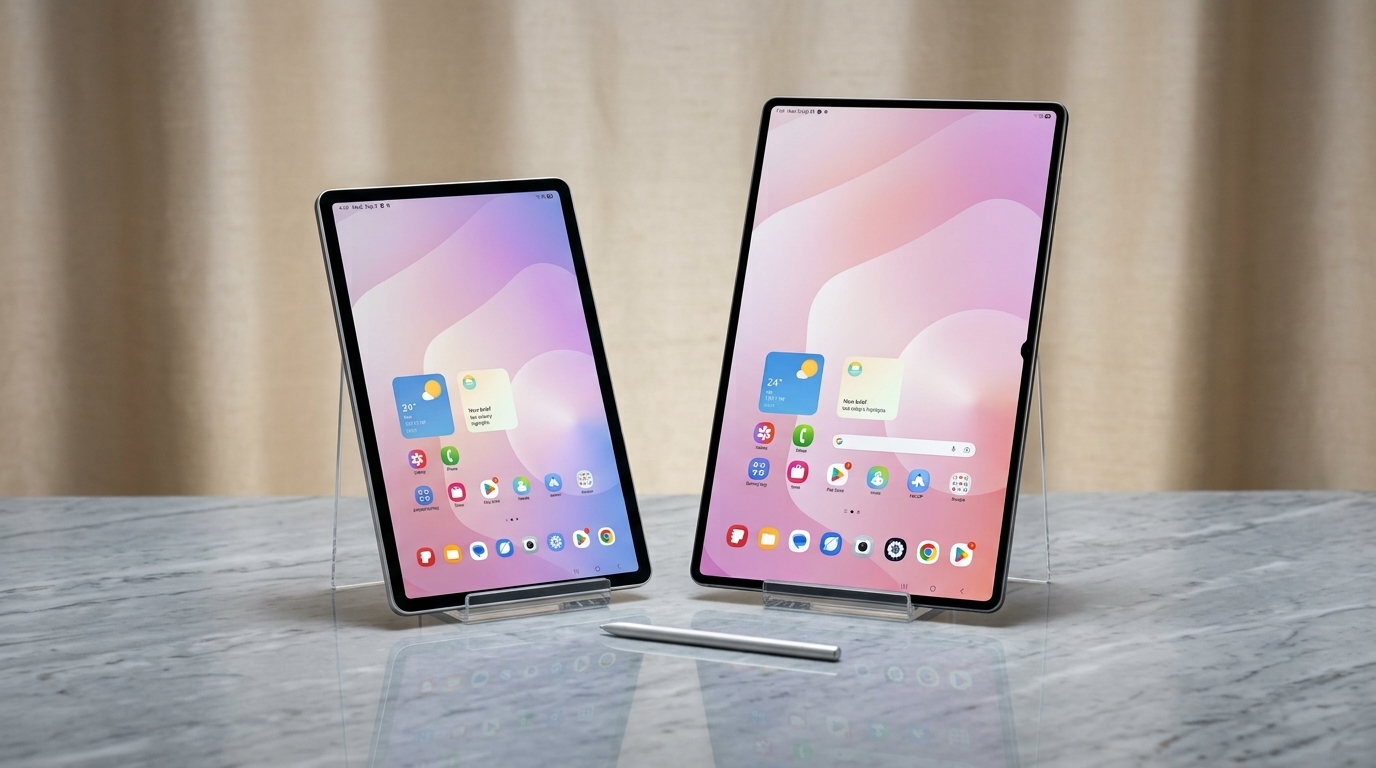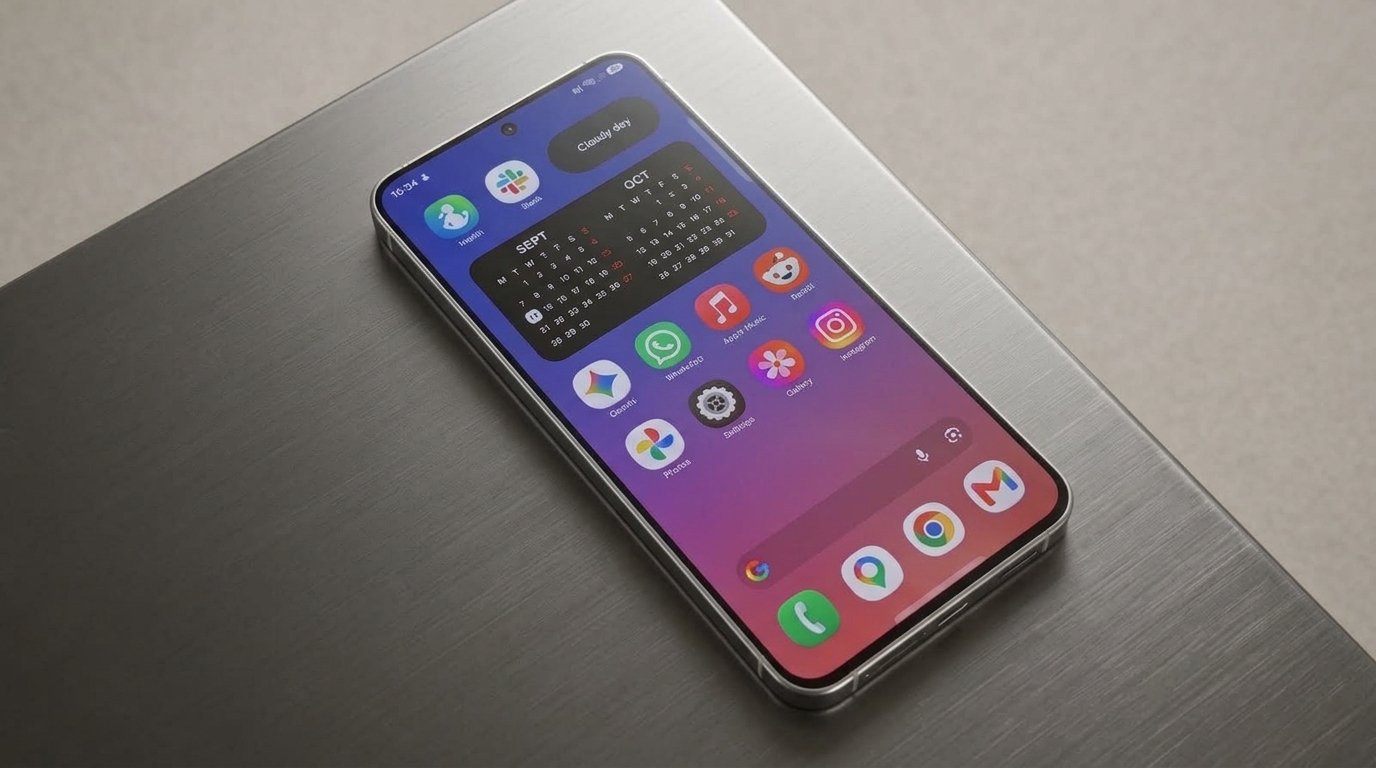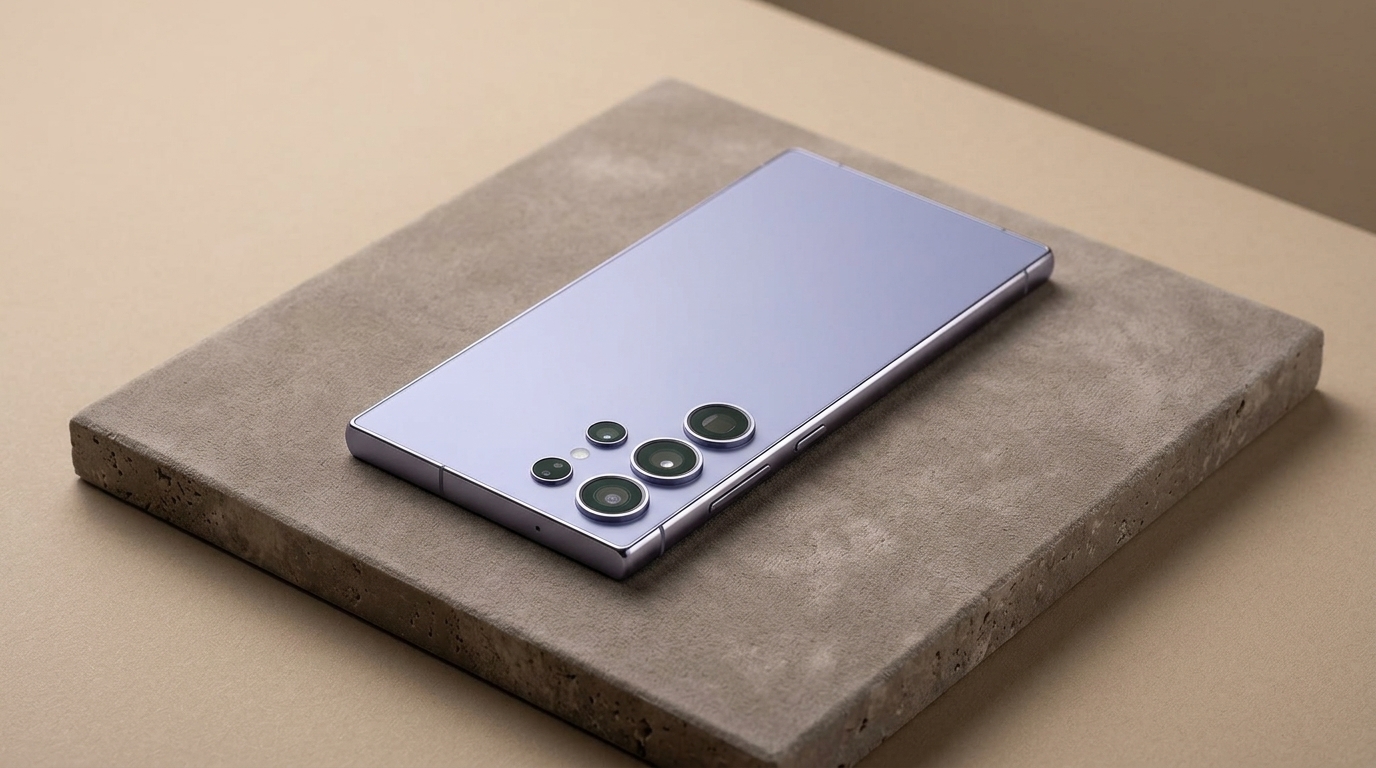

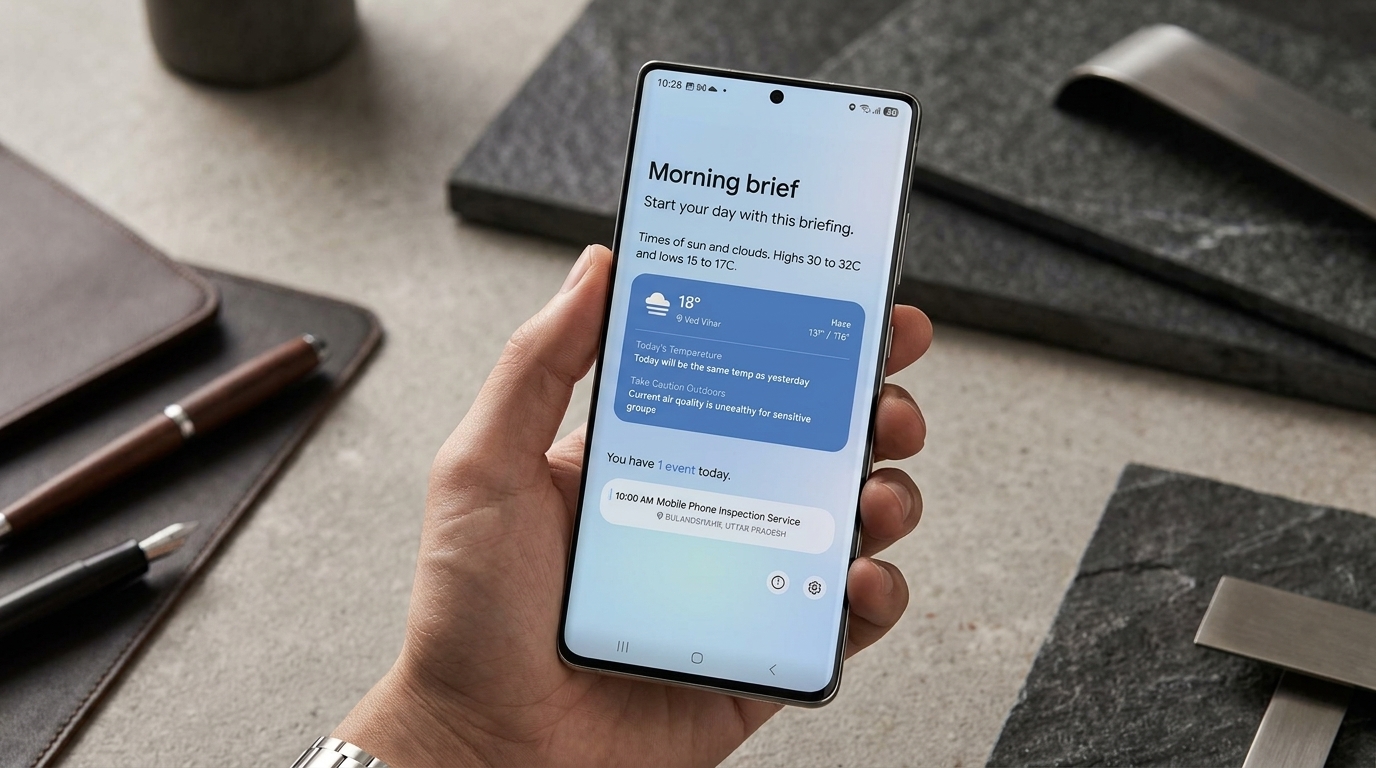
Samsung’s Galaxy S25 One UI 9 Beta 2 update has added four Galaxy AI features that were previously exclusive to newer Samsung devices, Call Brief, Custom Cards in Now Brief, Now Nudge and My FanCam.
The second beta first rolled out to the Galaxy S25, S25+ and S25 Ultra in South Korea on September 8. That South Korean release came in at 643.16MB, carrying firmware version S93xNKSUCZZI4, according to Android Authority and SamMobile.
Beta 2 later expanded to other supported testing markets, including India, the UK and the US. Samsung has since pushed out a third S25 beta in South Korea, meaning Beta 2 is no longer the most current test build available there.
What Changed in Beta 2
Beta 2 landed roughly a week after the first One UI 9 beta brought Android 17 to the Galaxy S25 lineup.
That initial update measured around 3.86GB on the Galaxy S25 Ultra and included the August 5, 2026 security patch. It introduced a more customizable Quick Panel, improvements to Samsung DeX, the Tape feature inside Samsung Notes, a location access indicator, new accessibility options and Pay Now within Now Brief.
Beta 2, by comparison, was a smaller incremental release. Samsung’s changelog simply described the additions as new AI features, though the update specifically brought four Galaxy AI tools to the S25, Call Brief, Custom Cards in Now Brief, Now Nudge and My FanCam.
It also resolved Bixby Vision translation errors, occasional Contacts app crashes and issues with Wi-Fi connections dropping.
Since then, Samsung has released Beta 3 for the Galaxy S25, S25+ and S25 Ultra in South Korea. That update is just over 550MB, uses firmware version S93xNKSUCZZID and mainly focuses on bug fixes, including improved camera stability and a fix for a lock screen notification panel issue.
A Closer Look at Call Brief, Now Nudge and Custom Cards
Now Nudge works by analyzing what’s currently on screen and surfacing relevant, context aware actions without requiring users to switch between apps manually.
Samsung describes it as a way to move straight into the next useful task. For instance, it can pull up information tied to a conversation and offer quick shortcuts to apps like Calendar or Maps.
Call Brief displays contextual details right on the call screen. On Samsung’s newer phones, this can include things like calendar events, reminders, emails, and even the other person’s local time when calling across different time zones.
SamMobile has confirmed that Call Brief is included in the S25 Beta 2 feature set, though it’s turned off by default.
On the Galaxy S26, Call Brief can be found in the Phone app under Settings, then Call settings, then Call Brief. Samsung hasn’t yet published an S25 specific support page confirming whether the beta follows that exact same menu path.
Custom Cards in Now Brief allow users to build personalized cards using information from categories like Samsung Health, Weather and video, then choose what shows up in their daily brief.
Samsung officially refers to these as Generative and Editable Cards within One UI 9. The company notes that availability can differ depending on the device, country, language and app involved, and a Samsung Account is required to use them.
Earlier testing on the Galaxy S26 revealed some additional restrictions around creating and editing cards, though those same limitations haven’t been independently confirmed on the Galaxy S25 Beta 2 build.
How My FanCam Works on the Galaxy S25 Beta
My FanCam is designed to work with videos that have already been recorded.
Users open a supported video, select a specific person, and the feature automatically crops and reframes the footage to keep that person centered as the scene changes.
According to Samsung’s current One UI 9 documentation, My FanCam lives inside the Samsung Gallery app. From there, users open a video, tap the Galaxy AI icon, and choose the person they want the tool to track.
This means the feature works on existing footage and doesn’t require a special recording mode or new video captured after installing Beta 2.
Samsung notes that My FanCam requires a Samsung Account, may not work with every video, and won’t function if there’s no clear subject to track. The company also says the accuracy of the final result can’t be guaranteed.
Neither Samsung’s official documentation nor the Beta 2 coverage mentions a universal change to output resolution or a maximum clip length, so those specifics remain unclear for now.
It’s also worth noting these four AI features didn’t all debut on the same device originally. Samsung first introduced or expanded them across the Galaxy S26 lineup and its 2026 foldables before bringing the same set of tools to older Galaxy devices through One UI 9.
Where Beta 2 Is Currently Available
Samsung has officially confirmed four markets participating in the Galaxy S25 One UI 9 beta program, India, South Korea, the UK and the US.
Beta 2 initially launched in South Korea before rolling out to the other supported regions.
The Galaxy S25 FE is also included in Samsung’s One UI 9 beta program. Its second beta arrived in South Korea carrying the same four AI features, running firmware version S731NKSU9ZZI4 with a download size of 411.20MB.
This clears up earlier confusion around the FE model, confirming that Call Brief, Custom Cards in Now Brief, Now Nudge and My FanCam aren’t limited to just the standard S25, S25+ and S25 Ultra Beta 2 builds.
Samsung has also extended this same feature set to the Galaxy Z Fold7 and Galaxy Z Flip7 through One UI 9.
To join the beta program on an eligible device in a supported market, open the Samsung Members app and sign up through the One UI Beta Program banner or card. Once registered, head to Settings, then Software update, then Download and install.
Samsung recommends backing up important data before installing any beta software, since test builds can sometimes include bugs or cause unexpected behavior.
When Will the Stable Update Reach the Galaxy S25
Samsung began rolling out the stable version of One UI 9 on September 16, starting with the Galaxy S26, S26+ and S26 Ultra.
The company has confirmed the update will gradually expand to additional Galaxy devices, including the S25 series.
Samsung Thailand briefly listed September 28 as the rollout date for the Galaxy S25, though that page has since been updated. As of September 22, it now states that the Galaxy S26, S25 and Z7 series will receive One UI 9 sometime within September, without naming an exact date.
That timeline is also region specific, so it shouldn’t be treated as a confirmed global release date.
For Galaxy S25 owners already testing the beta, Beta 2 remains significant since it introduced Call Brief, Custom Cards, Now Nudge and My FanCam to the series. That said, it’s no longer the newest build in South Korea, where Beta 3 has already followed with further stability improvements.
Anyone who prefers to skip beta software can simply wait for Samsung’s stable rollout. With September almost over and stable One UI 9 already live on the S26 series, the public release for the S25 is now much closer than it was when Beta 2 first launched.