
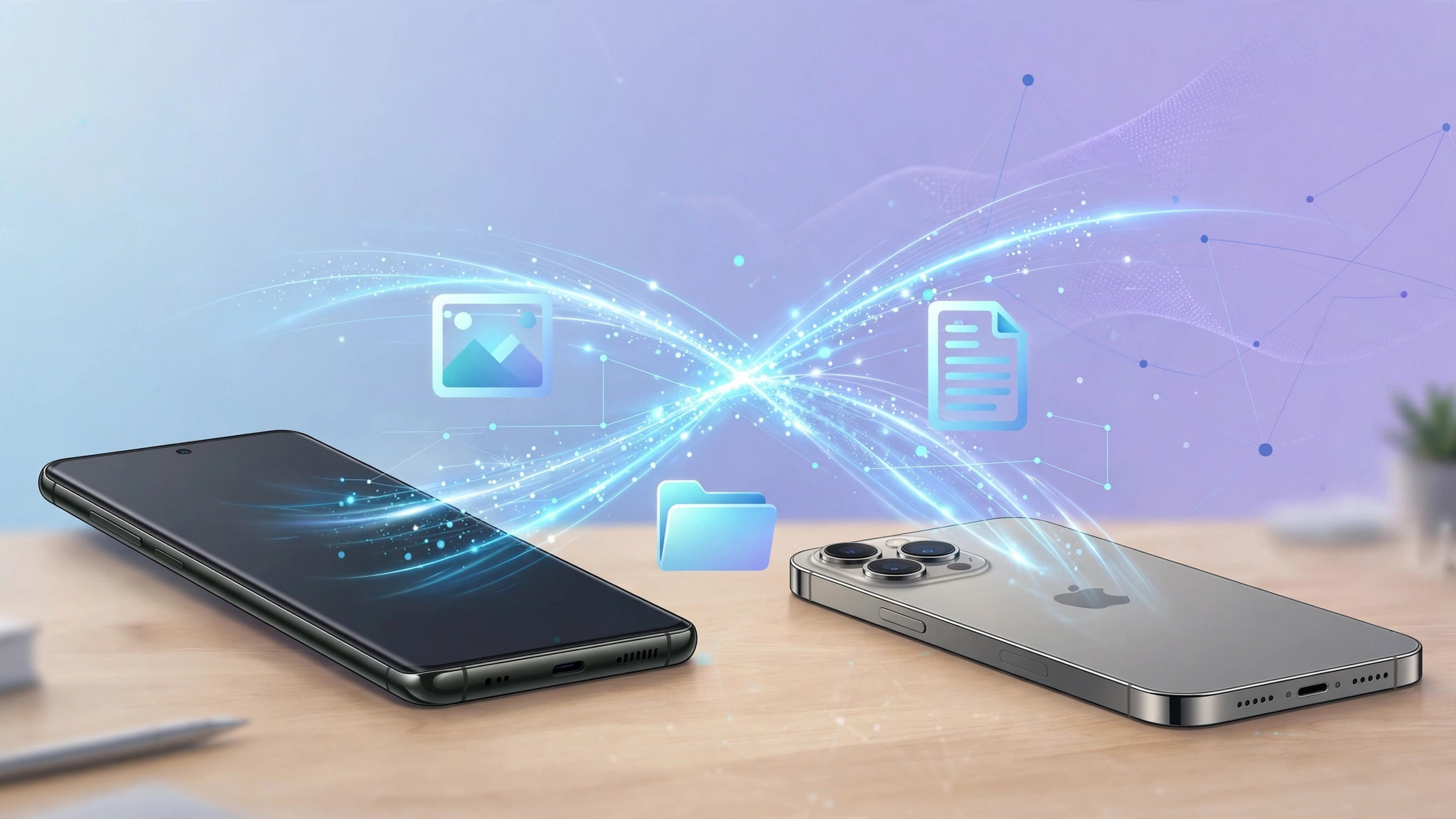
Samsung has started rolling out Galaxy S26 AirDrop support, letting owners send photos, videos and documents straight to iPhones and Macs without cables, third party apps or awkward workarounds. The feature arrives as an update to Quick Share, Samsung’s built-in sharing tool, and was announced in the company’s newsroom on Sunday.
For years, moving a file between a Galaxy phone and an iPhone meant reaching for email, a cloud link or a messaging app. That wall is now coming down. With a new “Share with Apple devices” toggle, a Galaxy S26 can talk directly to Apple’s AirDrop, making cross-platform sharing as simple as sharing between two iPhones.
How Galaxy S26 AirDrop sharing works
The update adds Apple device compatibility to Quick Share, the same system Galaxy owners already use to swap files with other Android phones and Windows PCs. Once enabled, your Galaxy S26 appears as a nearby device on an iPhone’s AirDrop sheet, and iPhones appear on the Galaxy’s share menu in return.
To switch it on, owners of the Galaxy S26, S26 Plus and S26 Ultra need to:
- Open Settings and head to the Quick Share menu
- Find the new “Share with Apple devices” toggle
- Switch it on, then choose who can discover your phone, everyone or contacts only
- Pick a file, tap Share, and select the nearby iPhone or Mac
Samsung says transfers use a direct wireless connection between the two devices, so files move quickly and privately without passing through the cloud. The company has not detailed the exact protocol handshake, but the result is what matters, a photo taken on a Galaxy S26 can land in an iPhone’s Photos app in seconds.
When will UK owners get it?
The rollout is happening in stages. Samsung confirmed it is starting in Korea, with the United States following later this week. After that, the feature expands to more regions, including Canada, Latin America, Europe, Southeast Asia, Hong Kong, Japan and Taiwan.
That puts the UK in the second wave rather than the first. Samsung has not given a firm date for European availability, but the staged pattern suggests UK owners of the Galaxy S26 range should watch for a software update notification in the coming weeks. As with most Samsung rollouts, it will likely arrive as part of a routine update rather than requiring any manual download.
Samsung also says the feature will reach more Galaxy devices beyond the S26 family at a later date, so owners of recent flagships such as the Z Fold 8 may not have to wait forever. For now, though, the S26 trio gets priority.
Why this is a big deal for mixed households
Plenty of UK homes run a split ecosystem. One partner carries a Galaxy, the other an iPhone. The kids have iPads, the laptop is a MacBook, and sharing the holiday photos becomes a small logistical project. AirDrop compatibility removes one of the most persistent frictions in that setup.
It also matters for work. Offices where staff bring their own devices have long struggled with the Android to iOS gap, especially for large video files that messaging apps compress into mush. Direct device-to-device transfer keeps full quality intact and avoids uploading sensitive work files to a third party service just to move them across the desk.
There is a competitive angle too. Google announced Quick Share compatibility with AirDrop on Pixel phones last November, starting with the Pixel 10 range before expanding to the Pixel 9 family and the Pixel 9 Pro Fold. Samsung following suit means the two biggest Android brands now both speak Apple’s sharing language, which puts pressure on Apple to keep AirDrop open and reliable for everyone.
What about older Galaxy phones?
Samsung has only confirmed the Galaxy S26, S26 Plus and S26 Ultra for the initial rollout. The company says support will expand to more Galaxy devices later, but has not named models or dates. Given the feature lives in Quick Share rather than in hardware, there is reasonable hope that recent flagships will qualify, though Samsung will likely prioritise phones still inside their major update window.
For now, the advice for UK Galaxy S26 owners is simple. Keep an eye on your software update screen, flip the toggle when it arrives, and enjoy the small but genuinely useful pleasure of sending a file to an iPhone without thinking twice about it.